Your photo library,
finally sorted.
Swipe right to keep, left to delete, down for later. Pixtide is the free photo cleaner that helps you declutter your iPhone camera roll in minutes. No ads, no subscription, no AI. 100% on your device.

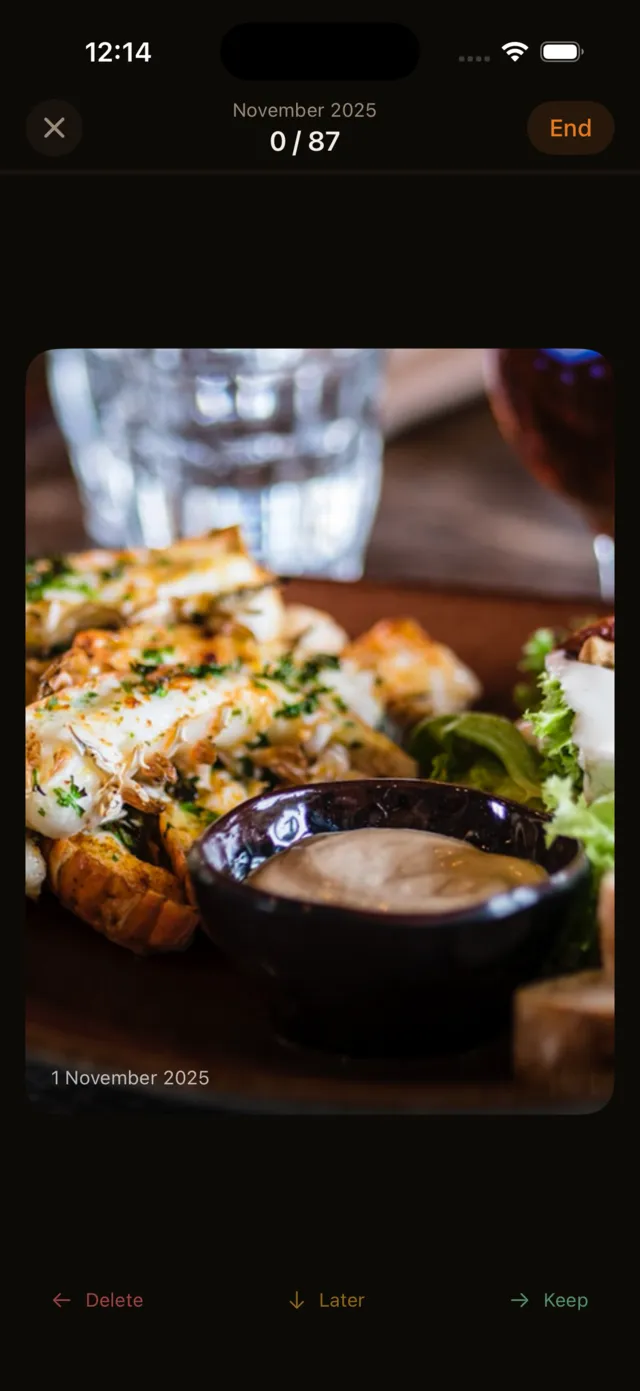
Three swipes. That's it.
No menus, no folders, no learning curve.
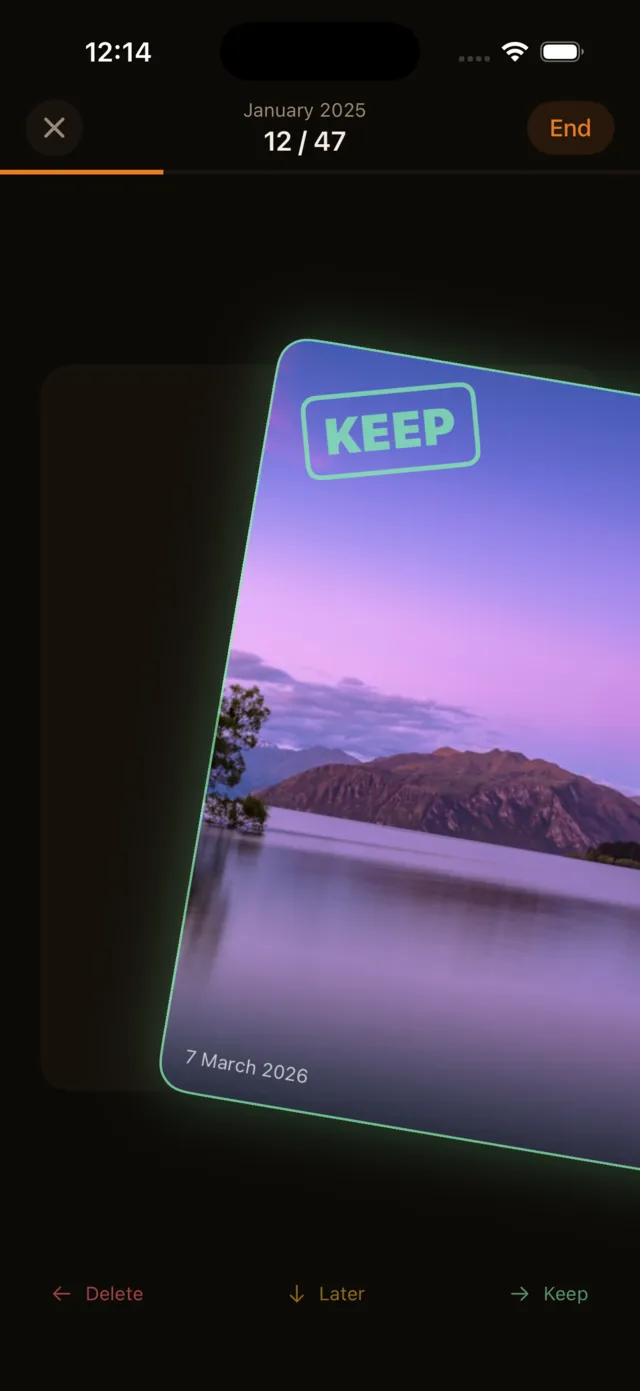
Keep
Swipe right on photos you love. They stay right where they are.
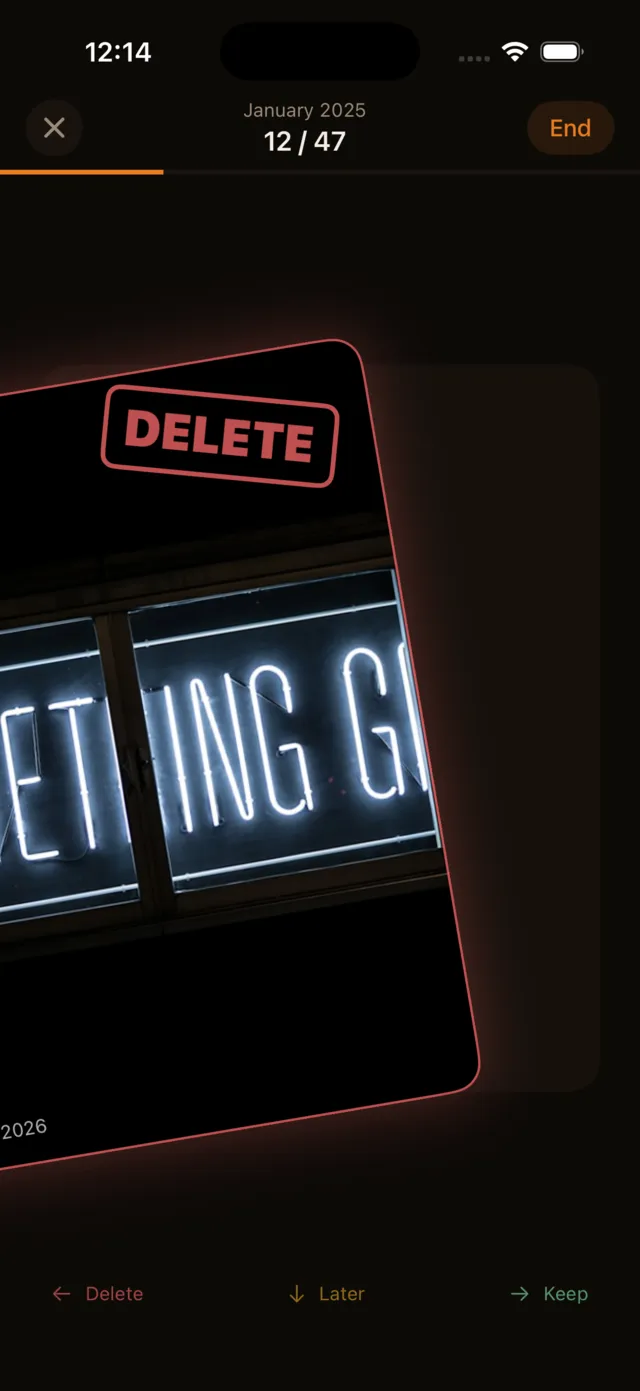
Delete
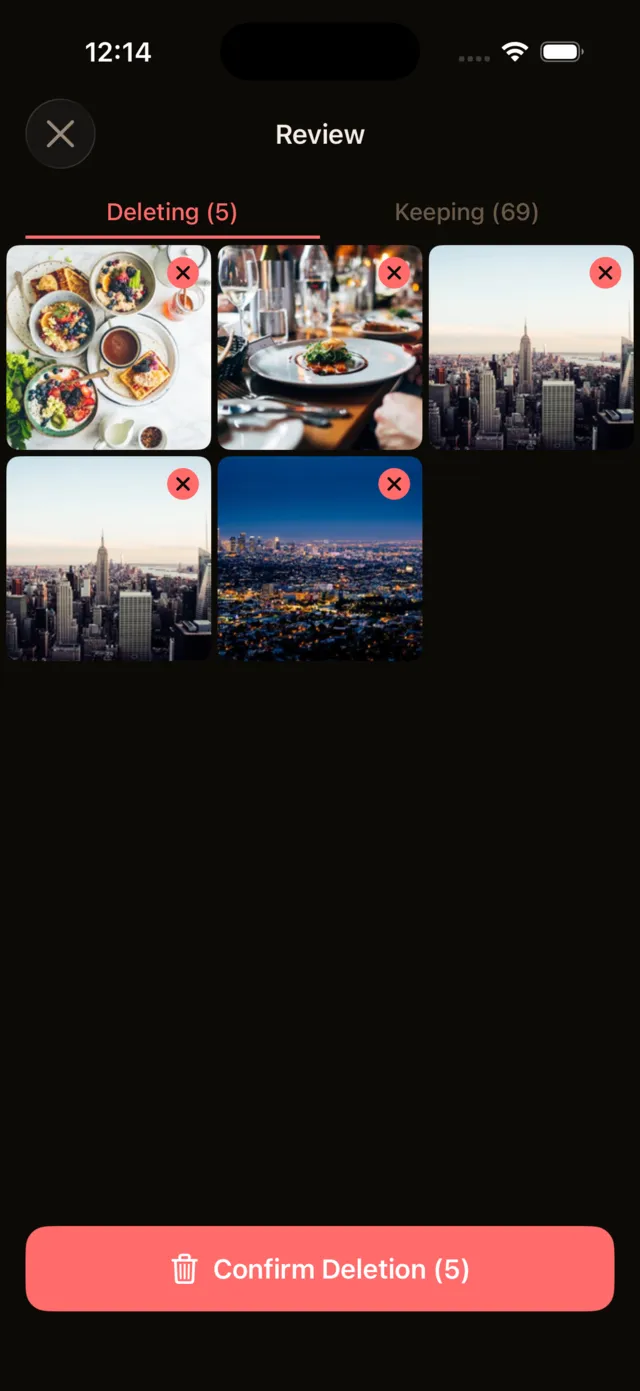
Swipe left on the clutter. Review everything before it actually goes.
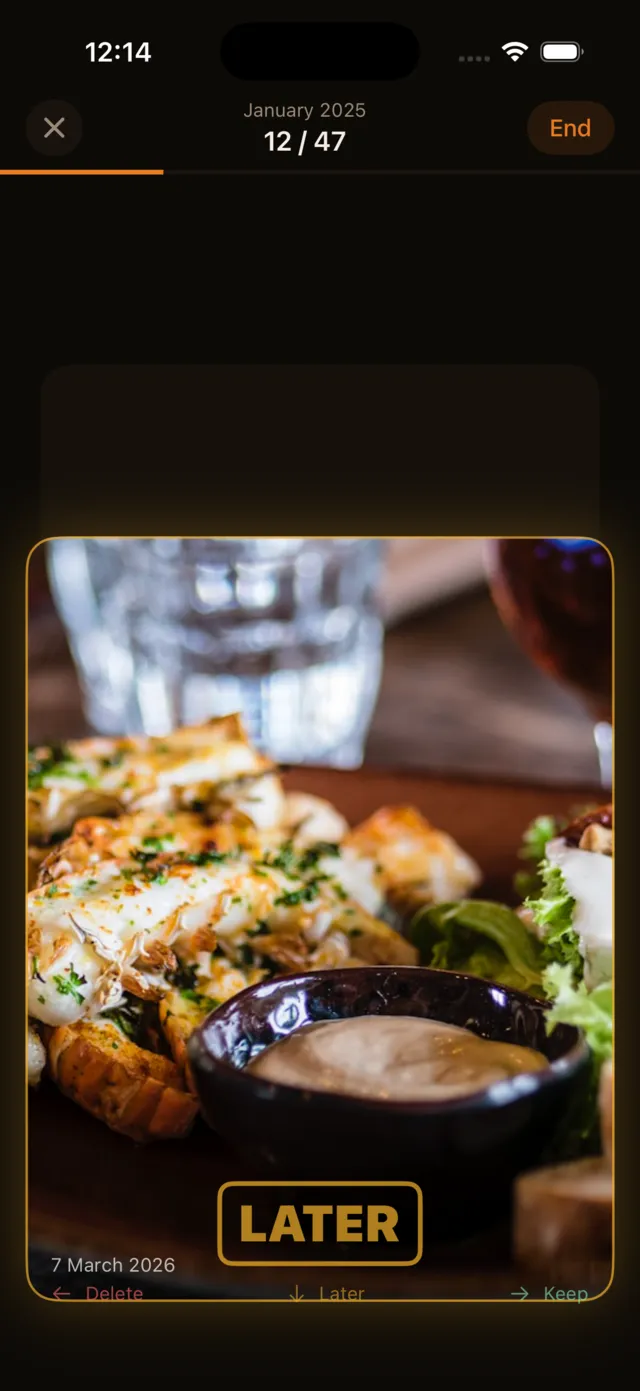
Decide Later
Swipe down when you are not sure. Come back to it whenever you want.
Nothing gets deleted until you say so.
Three layers of safety, because your photos matter.
You swipe
Mark photos for deletion at your own pace. Nothing happens yet.
You review
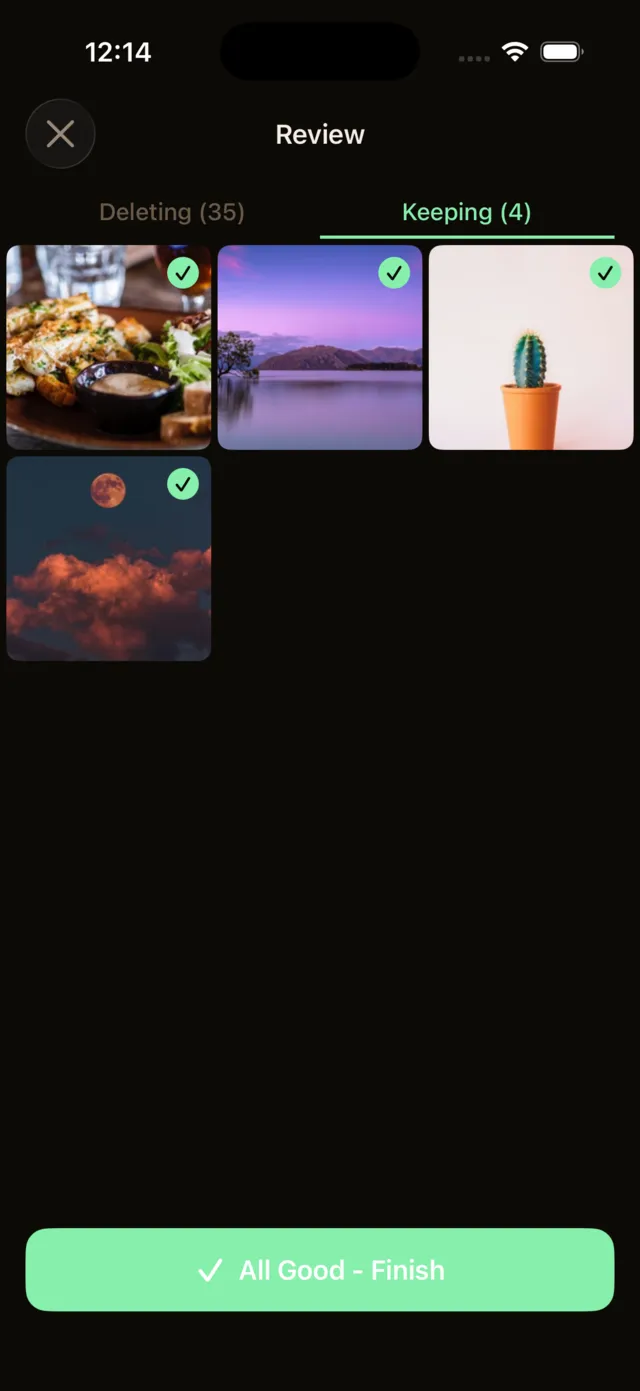
See every photo you marked. Rescue any you changed your mind about.
You confirm
Tap delete. Items go to Recently Deleted for 30 more days.
Built different on purpose
We skipped everything that gets in the way.
Free forever
No subscriptions, no premium tier, no in-app purchases. Every feature is yours from day one.
Zero ads
No banners, no interstitials, no sponsored content. Just you and your photos.
No AI magic
We don't scan your photos. You decide what stays and what goes. Every single time.
100% on-device
Your photos never leave your phone. No uploads, no cloud, no servers touching your images. Total privacy.
Everyone together
One swipe at a time, it adds up.
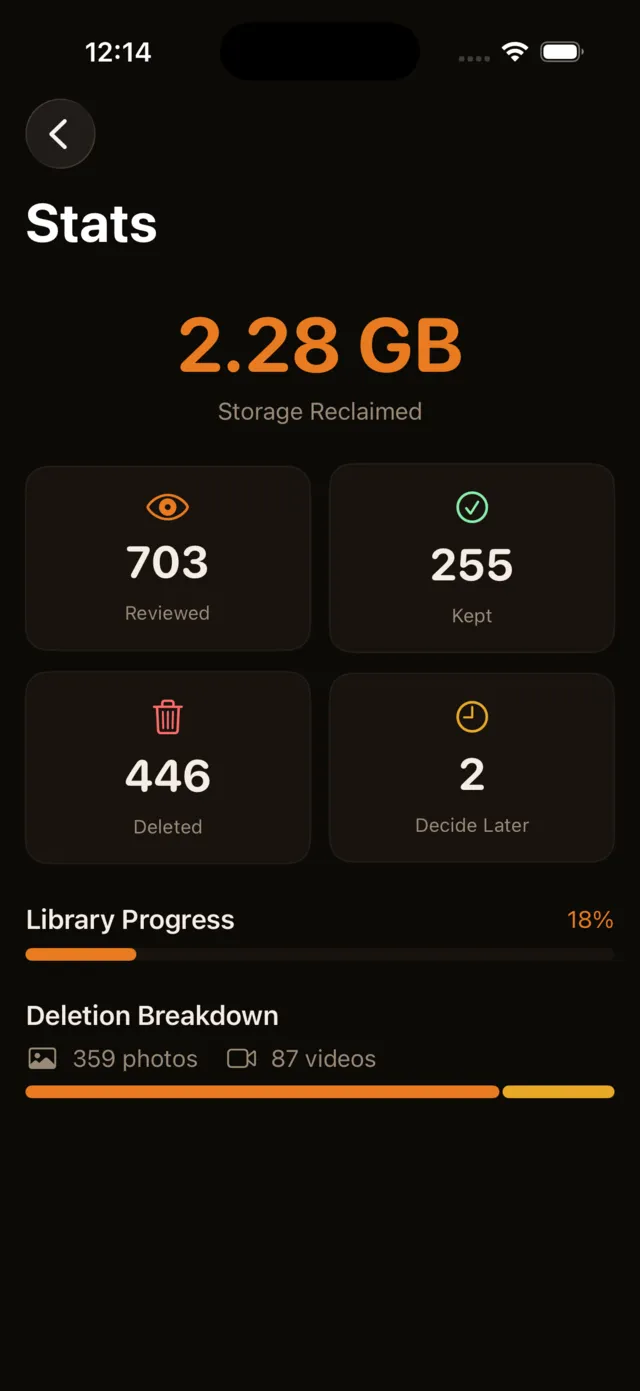
- of photo clutter freed
- 9.2 TB+
- photos and videos cleared
- 1,260,000+
- cleared in the last 30 days
- 920,000+
Freed through Pixtide since March 2026, counted from anonymous usage data. Updated October 12, 2026.
Pixtide at a glance
Pixtide is a free iPhone app that cleans up your camera roll one swipe at a time: right to keep, left to delete, down to decide later. No ads, no subscription, no AI, and your photos never leave your phone.
- What it is
- A swipe-based photo and video cleaner for iPhone.
- Price
- Free. No subscription, no in-app purchases, no premium tier.
- Ads
- None.
- AI
- None. You decide every photo. Nothing is scanned, scored or auto-deleted.
- Privacy
- Works entirely on your phone. No account, no cloud, no photo ever uploaded.
- Safety
- Swiping only marks a photo. You review everything before confirming, and deleted photos stay in Recently Deleted for 30 days.
- Works with
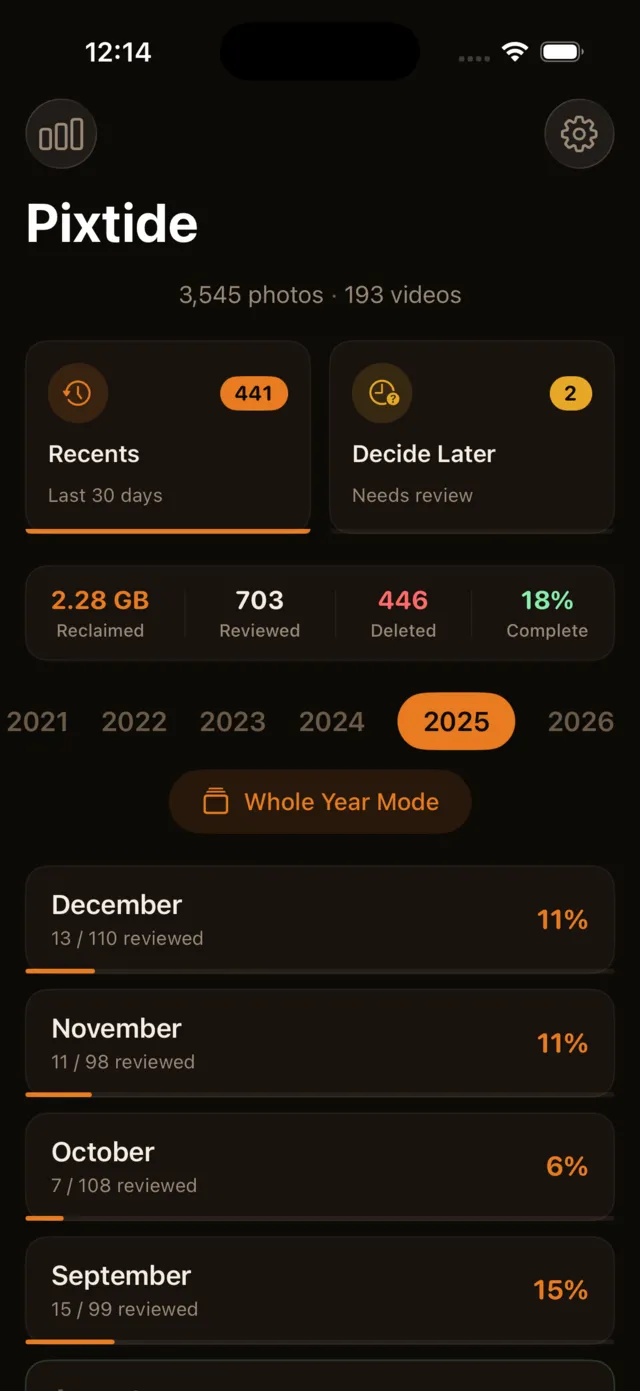
- Photos and videos, sorted by month, year, category or your recent shots.
- Requires
- iPhone with iOS 18.0 or later.
Download on the App Store, read the privacy policy, or see the full feature list.
See it in action
A calm, focused interface that lets you fly through your library.
Take back your photo library
Stop scrolling past thousands of screenshots you will never look at again. Start fresh, one swipe at a time.
Requires iOS 18.0 or laterNew to clearing out your camera roll? Read our iPhone photo cleanup guides or compare photo cleaner apps.