Everything you need. Nothing you don't.
Pixtide is a free, swipe-based photo cleaner for iPhone. It does one thing well: helps you declutter your camera roll and free up storage, with no ads, no subscription, no AI.

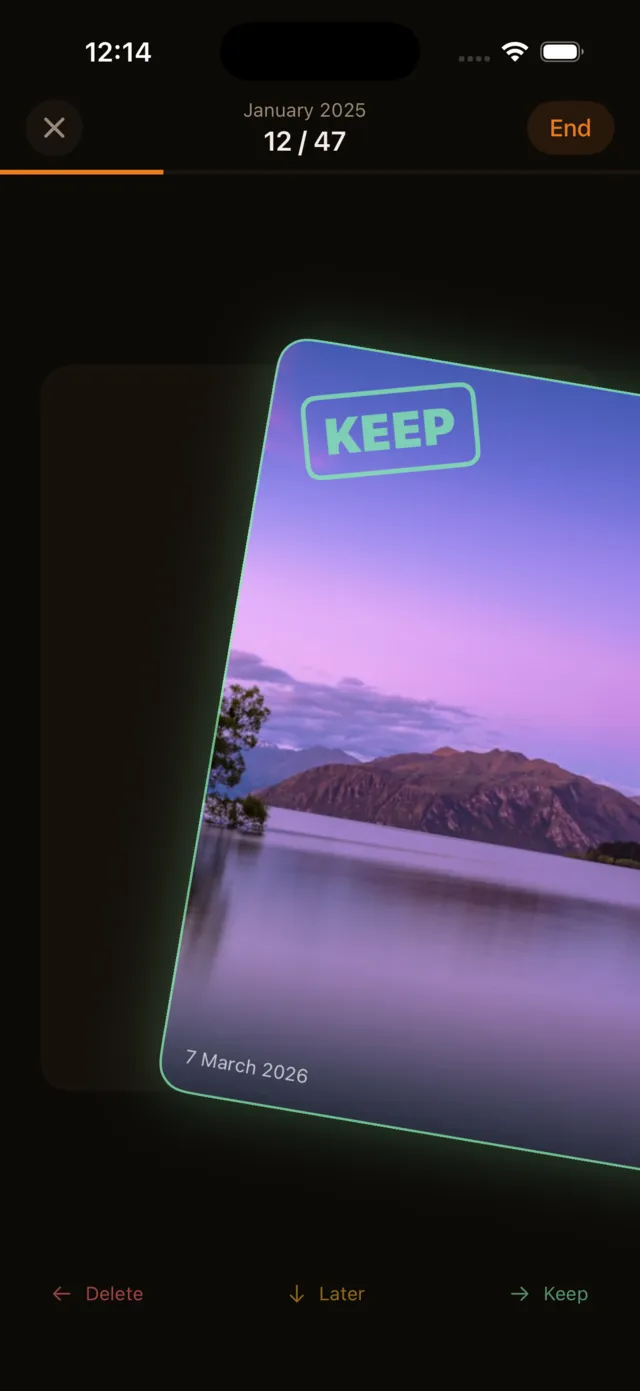
Swipe to sort
Right to keep. Left to delete. Down for later. Every photo gets a clear decision without digging through menus or selecting thumbnails.
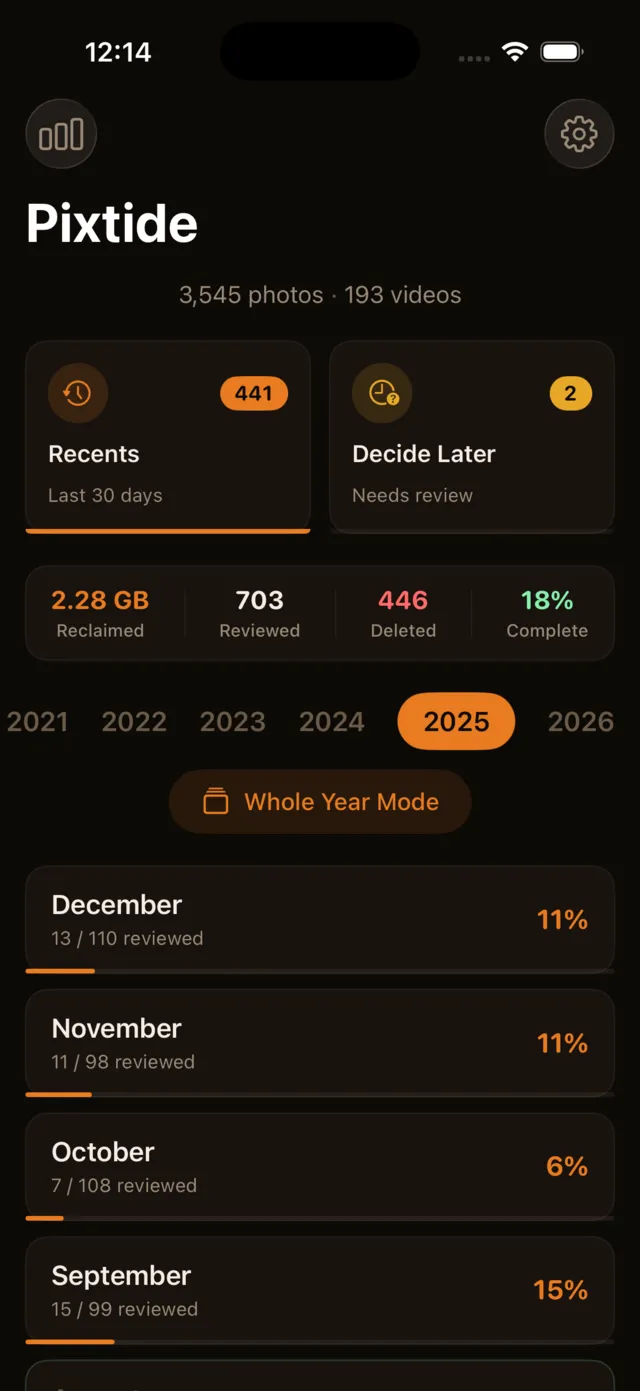
Month-by-month cleanup
Your library is organized by month. Pick any month to start. Come back and pick up where you left off. Progress is saved automatically.
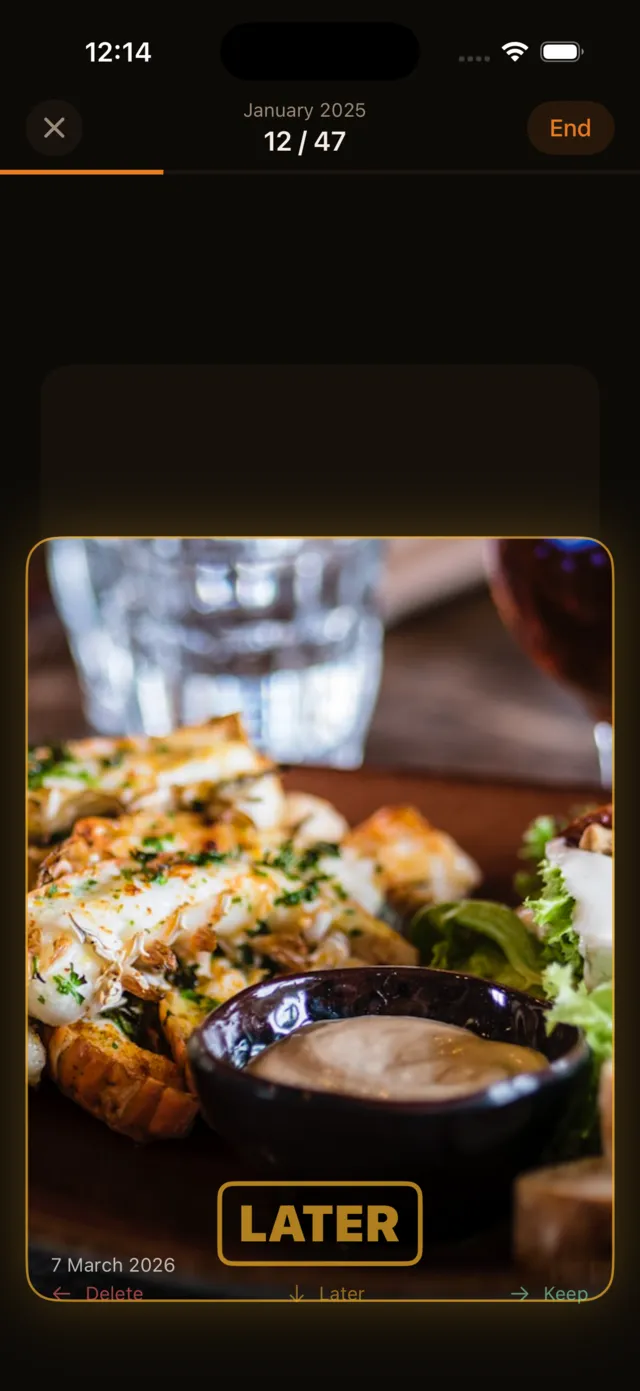
Decide Later queue
Not sure about a photo? Swipe down. It goes into a separate queue you can revisit whenever you want. No pressure to decide right now.
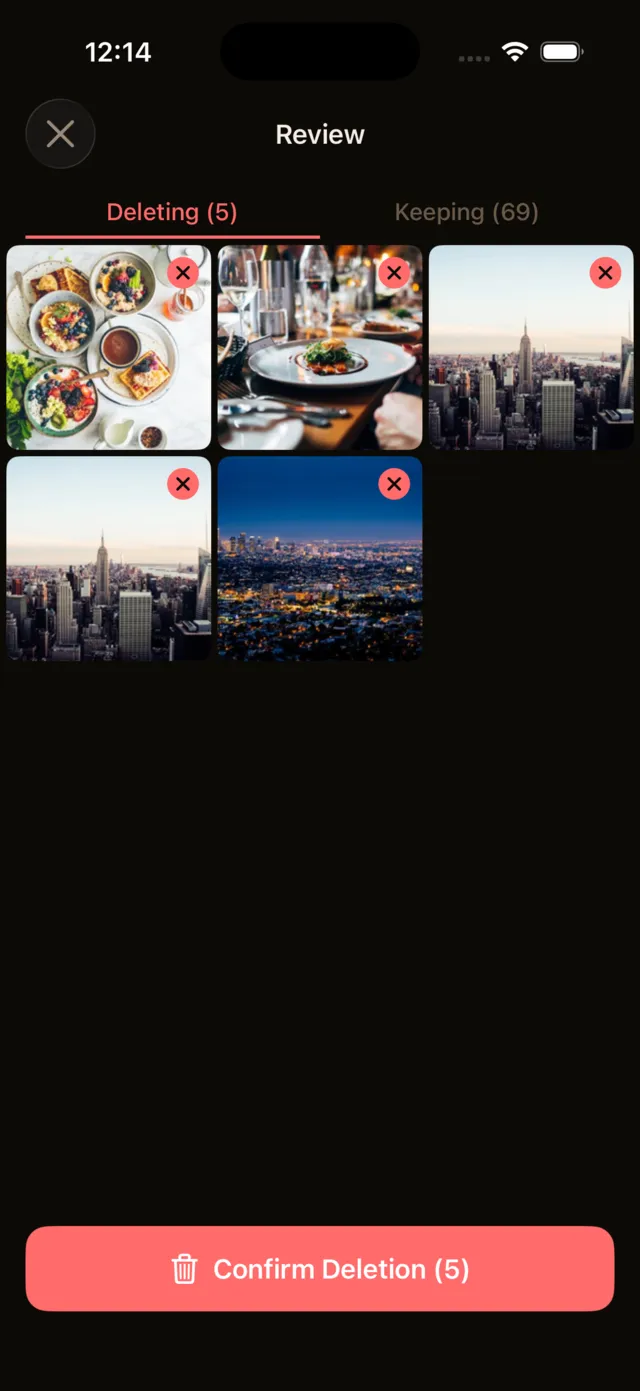
Review before deleting
Every photo you marked for deletion shows up in a review grid. Tap any photo to rescue it. Nothing is deleted until you confirm.
Videos too, with full playback
Large videos are usually the biggest storage hogs. Pixtide plays them inline with a scrub bar, so you can skip to the middle or check the ending before you keep or delete. No switching apps, no guessing from a thumbnail.
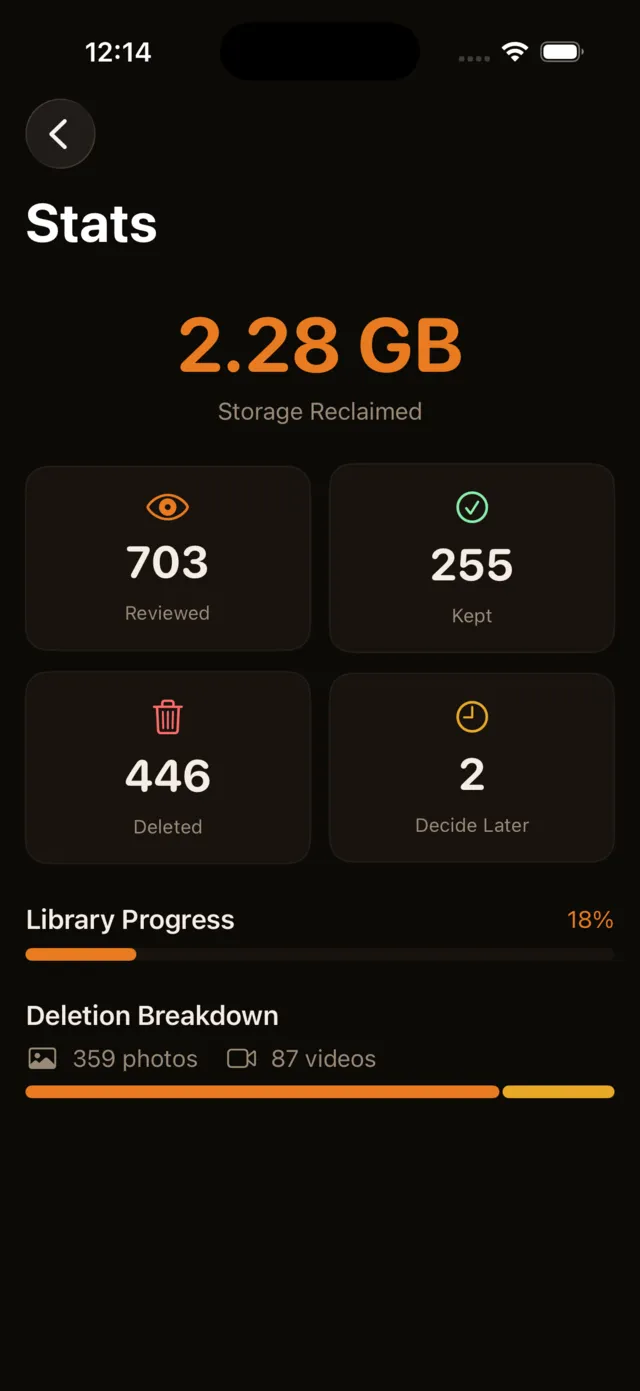
Track your progress
See how many photos you have reviewed, how much space you have reclaimed, and what percentage of your library is sorted.
Pixtide at a glance
Pixtide is a free iPhone app that cleans up your camera roll one swipe at a time: right to keep, left to delete, down to decide later. No ads, no subscription, no AI, and your photos never leave your phone.
- What it is
- A swipe-based photo and video cleaner for iPhone.
- Price
- Free. No subscription, no in-app purchases, no premium tier.
- Ads
- None.
- AI
- None. You decide every photo. Nothing is scanned, scored or auto-deleted.
- Privacy
- Works entirely on your phone. No account, no cloud, no photo ever uploaded.
- Safety
- Swiping only marks a photo. You review everything before confirming, and deleted photos stay in Recently Deleted for 30 days.
- Works with
- Photos and videos, sorted by month, year, category or your recent shots.
- Requires
- iPhone with iOS 18.0 or later.
Download on the App Store, read the privacy policy, or see the full feature list.
Your photos never leave your phone
Pixtide works entirely on your device. No uploads, no cloud sync, no servers touching your photos. What happens on your phone stays on your phone. Read the full privacy policy or learn whether photo cleaner apps are safe.

Requires iOS 18.0 or later
Not sure yet? Browse our photo cleanup guides or see how Pixtide compares to other apps.